#android-widgets
#android-widgets
[ follow ]
#android #productivity #android-17 #ai-integration #design-systems #notification-management #ipad #user-experience







Web design
fromTheregister
2 weeks agoGoogle offers voice-driven 'vibe design' tool to build UIs
Google's Stitch design tool enables 'vibe design' by allowing developers to create UI prototypes through natural language descriptions and voice commands, with AI agents providing real-time design feedback and iterations.
fromGSMArena.com
1 week agoSamsung expands its One UI 8.5 beta program, includes older Galaxy devices
The One UI 8.5 beta program is currently available for the Galaxy S24 series, Galaxy Z Fold6, Galaxy Z Flip6, Galaxy S25 FE, Galaxy S24 FE, and Galaxy Tab S11, allowing users to enroll via the Samsung Members app.
Mobile UX
fromMUO
3 weeks agoI finally found a way around the infuriating YouTube fullscreen bug
When users click the three dots on the side of the ad in an attempt to dismiss it, nothing happens, no matter how many times they click. Some are unable to access a "Dismiss" command at all. Still other users report the ads going away by themselves in around 30 seconds or a minute. But sometimes, the ads persist.
Privacy technologies
Wearables
fromZDNET
1 month agoI turned my Android phone into the perfect bedside clock - here's how
Android phones can be customized as bedside clocks with screen saver features, eliminating the need for traditional alarm clocks and allowing users to check the time without bright displays disrupting sleep.

Artificial intelligence
fromTechCrunch
1 month agoGemini can now automate some multi-step tasks on Android | TechCrunch
Google launched Gemini AI automations on Android to handle multi-step tasks like food delivery and rideshare orders, initially limited to select apps, devices, and U.S./Korea regions.
Gadgets
fromYanko Design - Modern Industrial Design News
1 month agoThis Square Phone Rotates Open to a BlackBerry or Game Boy Setup - Yanko Design
The iFrog RS1 is a modular square phone with a rotating base that transforms into either a physical keyboard or gamepad, designed as a customizable platform for carriers and brands rather than a finished retail product.
fromComputerworld
1 month ago3 future Android features you can give yourself today
Thanks to the way Google's for years now been deconstructing Android and pulling OS-level pieces out of the operating system itself - so they exist as regular ol' apps and can consequently be updated quickly, frequently, and in a way that reaches everyone instantly, regardless of what phone or carrier they're using - even Android phones from eight years ago get updates numerous times a year that are all virtually equivalent to an entire iOS operating system rollout.
Gadgets
fromSearch Engine Roundtable
1 month agoGoogle Personal Intelligence App Icons In Responses
Did you know that when Google AI Mode uses Personal Intelligence, Google will add icons of the various connected Google apps used to tailor your message. So you might see a Gmail icon, or Google Photos icon or Search or something else show up as a citation or source near the responses.
Artificial intelligence
fromThe Verge
1 month agoVibe coding Nothing's apps is fun, until you try to make them useful
After a week vibe coding apps using Nothing's Essential Apps Builder, I'm conflicted. I buy into the smartphone maker's vision for software that adapts to you, not the other way around, but right now it doesn't deliver. It's hard to see how this goes from cool novelty to a reliable tool without serious refinement, and a level of consumer patience it may struggle to find.
Artificial intelligence

fromMedium
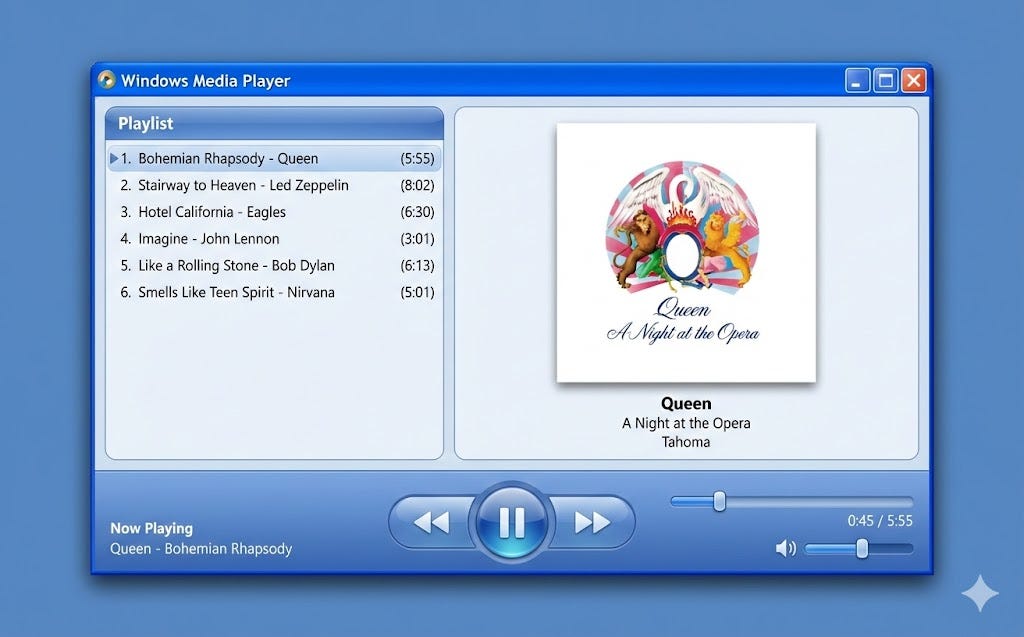
1 month agoUI Design with Gemini 3.1
Google recently released a new AI model, Gemini 3.1, that demonstrates great results in UI and web design tasks. I've already tested this model for web design tasks and in this article, I want to experiment with Gemini 3.1 and generate UI for a mobile application.
Mobile UX

fromComputerworld
1 month ago22 handy hidden tricks for Google Calendar on Android
All you've gotta do is tap on any open space in that part of the Android Calendar app, and you'll see an event creation box right then and there: Also worth noting: The same tricks we went over a second ago for sliding around or extending your event's time will work in this context, too, once you've brought that box into focus.
Gadgets
fromMail Online
1 month agoiPhone users discover a secret design element hidden in the clock app
Normally, the icon on the home screen shows the second hand smoothly gliding around the clock face. However, when an iPhone is in Low Power Mode, the second hand begins ticking around the clock instead. 'Wait... the Clock icon on iOS ticks like quartz watch in low power mode and mechanical in normal mode???' said @ShishirShelke1. 'That's ridiculous attention to detail.' His discovery has amazed iPhone users, although many pointed out that this probably wasn't a design decision by Apple.
Mobile UX
fromGSMArena.com
2 months agoSpotify gains a new UI for Android tablets
Spotify has quietly revamped its UI for Android tablets recently. There's a media player on the right, which you can change the dimensions of just like you can in Spotify's desktop app. There's also a new bar at the bottom with icons for Home, Search, Library, and Create. This new UI seems to be rolling out already and it's not a beta build - you will get it if you have an Android tablet.
Mobile UX
fromInfoWorld
2 months agoCompose Multiplatform brings auto-resizing to interop views
Also in version 1.10.0, Compose Multiplatform now uses the Web Cache API to cache successful responses for static assets and string resources. This avoids the delays associated with the browser's default cache, which validates stored content through repeated HTTP requests and can be slow on low-bandwidth connections. The cache is cleared on every app launch or page refresh to ensure resources remain consistent with the application's current state. This capability is an experimental feature.
Mobile UX
fromMedium
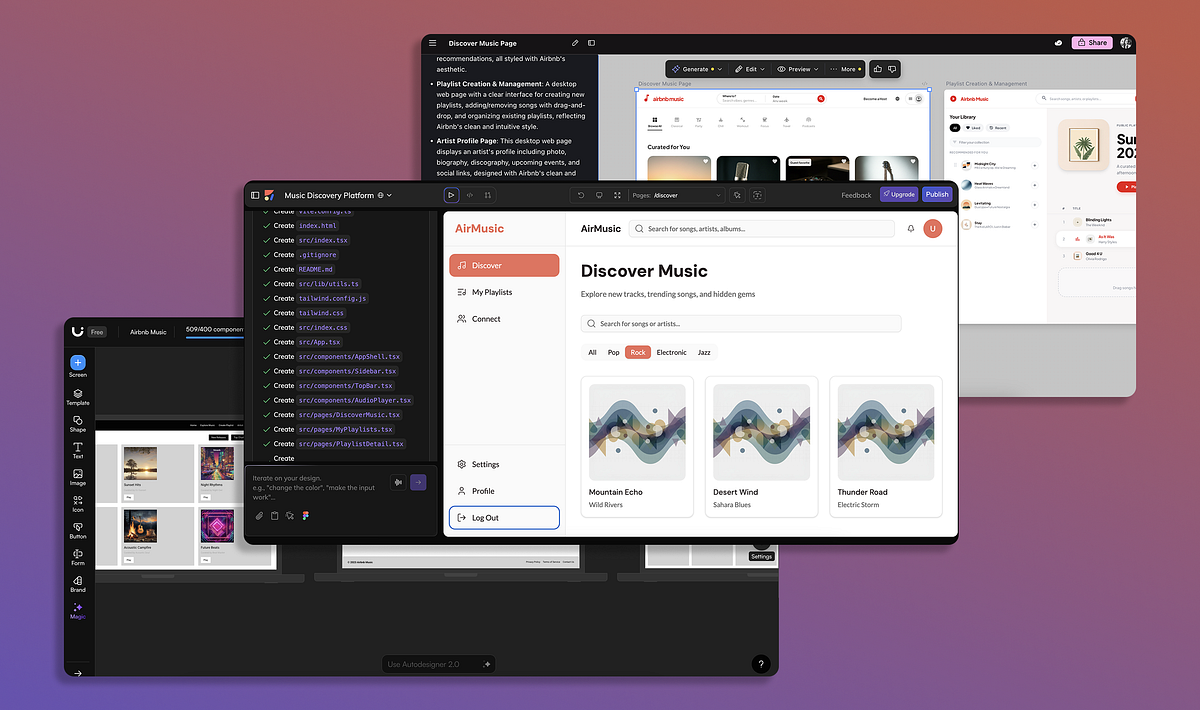
3 months agoGoogle Stitch for UI Design
The framework I use for writing prompts is called Zoom-Out-Zoom-In. I start by creating a proper context for my product and explaining its target user, then zoom in on the actual screen/page design I want to generate, explaining the goal of a particular screen/page, its layout hierarchy, and the design constraints the AI should consider when generating it. Finally, I mention expectations I have about the screen that AI will generate for me.
Mobile UX
[ Load more ]