UX design
fromMedium
21 hours agoThe invisible layer of UX most designers ignore
Designers must prioritize screen reader compatibility to ensure accessibility, as users rely on spoken content rather than visual elements.
Santa Cruz de Tenerife is one of the most idyllic cities in the Canary Islands. At its heart stands the jewel - the Auditorio. It's a place where talent from both worlds, New and Old, comes together. A theatre, opera, dance, and music heaven.
Capacity Planning is the process of right-sizing the 'Total Project Demand' with the forecasted Team Capacity. Most UX teams have no idea what their capacity is. Fewer still have a process for calculating it and using it during quarterly planning activities with their counterparts in Product Management & Engineering to ensure teams don't commit to more work than they can handle.
Instructions I created. Instructions I am continuing to hone - instructions that required me to study my own old essays, identifying what I do when I write. The sentence rhythms. The way I move between timescales. The zooming in and out from concept to detail. The instructions tell Claude how I would like ideas composed. I pull together concepts and experiences from my lived expertise to formulate a point of view - in this case, on this new AI technology.
The normative form for interacting with what we think of as "AI" is something like this: there's a chat you type a question you wait for a few seconds you start seeing an answer. you start reading it you read or scan some more tens of seconds longer, while the rest of the response appears you maybe study the response in more detail you respond the loop continues
Something's been slowly shifting in the design zeitgeist. I've been watching my feed on X and the vibe has changed. More and more, I see designers sharing finished experiments or prototypes they coded themselves, rather than static Figma files. Moving from working on a canvas to talking to an LLM. The conversation isn't "here's a design I made" anymore... it's "here's something I shipped this afternoon."
One skill separates good designers: the ability to clearly articulate their intention. No matter what tool you use, whether it's a traditional UI design tool like Figma or Sketch or AI tools like Figma Make, your ability to explain what you want to see accounts for 50% of your design success. The other 50% comes from your hard and soft skills. When it comes to AI-powered design, your ability to write decent prompts will have a direct impact on the quality of your design. In this guide, I want to share some specific tips and tricks that you can use for Figma Make to maximize the output.
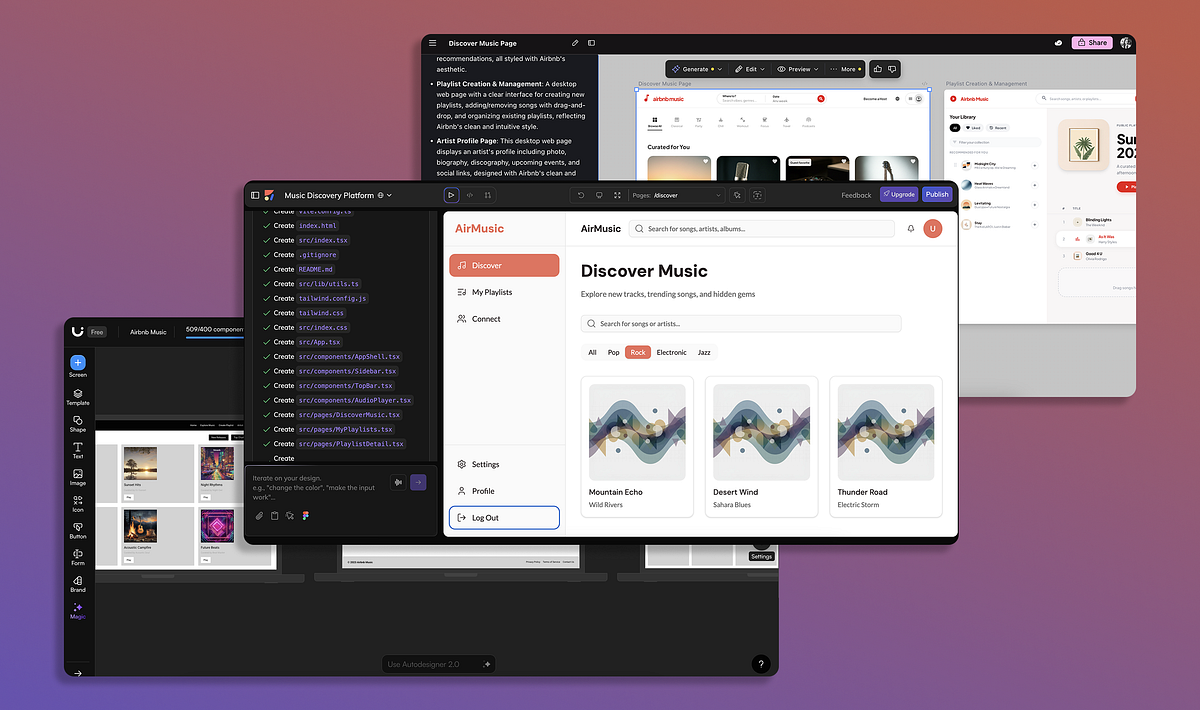
AI is disrupting more than the software industry, and is doing so at a breakneck speed. Not long ago, designers were deep in Figma variables and pixel-perfect mockups. Now, tools like v0, Lovable, and Cursor are enabling instant, vibe-based prototyping that makes old methods feel almost quaint. What's coming into sharper focus isn't fidelity, it's foresight. Part of the work of Product Design today is conceptual: sensing trends, building future-proof systems, and thinking years ahead.