#pen-input-and-stylus
#pen-input-and-stylus
[ follow ]
#figma-make #design-systems #productivity #apple #ipad #technology #ai #figma #generative-ai #ai-in-design


Psychology
fromSilicon Canals
4 days agoPsychology suggests if you still write things down on paper instead of your phone you aren't resisting progress - you've found something that works and are practicing the increasingly rare skill of not replacing it simply because something newer arrived, and that skill, applied consistently, turns out to predict a surprising number of other things about how you make decisions - Silicon Canals
Handwriting enhances cognitive engagement and memory retention compared to typing, leading to better decision-making and creativity.

Online learning
fromeLearning
2 weeks agoBuilding Realistic Software Simulations with Enhanced Shapes in Adobe Captivate - eLearning
Adobe Captivate records software actions and converts them into interactive eLearning courses with three modes: Demo for viewing, Training for practicing, and Assessment for testing.
Web design
fromThe Verge
3 weeks agoYou can now ask Photoshop's AI assistant to edit images for you
Adobe launches agentic AI features across Creative Cloud apps, enabling users to edit images and documents through conversational chatbot interfaces in Photoshop, Acrobat, and Express, with integration into Microsoft Copilot and ChatGPT.

Apple
fromFast Company
3 weeks agoPhotoshop's new AI assistant makes it easer than ever to edit images
Adobe launches an AI assistant for Photoshop Web and Mobile that enables intuitive photo editing through prompts, voice commands, and touch navigation, with results integrable into full Adobe creative workflows.
fromItsnicethat
3 weeks agoHow Procreate Dreams 2 is making animated storytelling more expressive than ever
Each layered element is independent, all housed within one object on your timeline. Multiple elements can be combined into a Flipbook by using the multi-select function. This allows for users to shift, organise, and retime frames.
Graphic design
fromEngadget
1 month agoASUS ProArt GoPro Edition PX13 review: An incredible if pricy Windows creator laptop
With its ProArt lineup, ASUS has commendably addressed a glaring hole in the PC market by targeting video editors and other creative pros. Its latest model even uses a popular camera marque in its name: the ProArt GoPro Edition PX13. It's a true co-branding exercise, with GoPro-like styling, a dedicated GoPro hotkey, mil-spec durability for extreme outdoor users and 12 months of GoPro's Cloud Plus Premium.
Gadgets
Graphic design
fromTechCrunch
3 weeks agoAdobe is debuting an AI assistant for Photoshop | TechCrunch
Adobe launches AI assistant for Photoshop in beta across web and mobile, enabling object removal, color changes, and lighting adjustments through natural language prompts, while expanding Firefly with generative editing tools.
Photography
fromdesignyoutrust.com
1 month agoIncredible Behindthescenes Reels Where A Loose Doodle Evolves Into A Polished Illustration Packed With Personality And Story
A diverse collection of contemporary visual art, advertising, and inventive photography highlights creative reinterpretations, surreal manipulations, and socially aware installations across global artists and campaigns.







fromEngadget
2 months agoAdobe Photoshop upgrades its Firefly-powered generative-AI editing tools
Adobe has improved the tools for Generative Fill, Generative Expand and Remove that are powered by its Firefly generative AI platform. Using these tools for image editing should now produce results in 2K resolution with fewer artifacts and increased detail all while delivering better matches for the provided prompts.
Photography
fromThe Verge
2 months agoMicrosoft Paint can now make AI coloring books
The latter feature is aptly called "Coloring book," and lets you make blank coloring templates in version 11.2512.191.0 of Paint based on a text prompt. Users can access this feature by selecting the Coloring book option from the Copilot menu in Paint, and then describing what the design should be, such as "a cute fluffy cat on a donut." Paint will then generate four results that Paint users can click to add to their canvas. From there, you can presumably use Paint itself to color the image, or print it out to use traditional art materials.
Gadgets
fromThe Verge
1 month agoVibe coding Nothing's apps is fun, until you try to make them useful
After a week vibe coding apps using Nothing's Essential Apps Builder, I'm conflicted. I buy into the smartphone maker's vision for software that adapts to you, not the other way around, but right now it doesn't deliver. It's hard to see how this goes from cool novelty to a reliable tool without serious refinement, and a level of consumer patience it may struggle to find.
Artificial intelligence
Gadgets
fromZDNET
2 months agoReMarkable Paper Pro vs. Kindle Scribe: I compared the two best E Ink tablets, and this one wins
Kindle Scribe Colorsoft and ReMarkable Paper Pro are premium color note-taking e-readers offering high-quality pen-to-paper experiences, color displays, and starting prices above $600.
fromZDNET
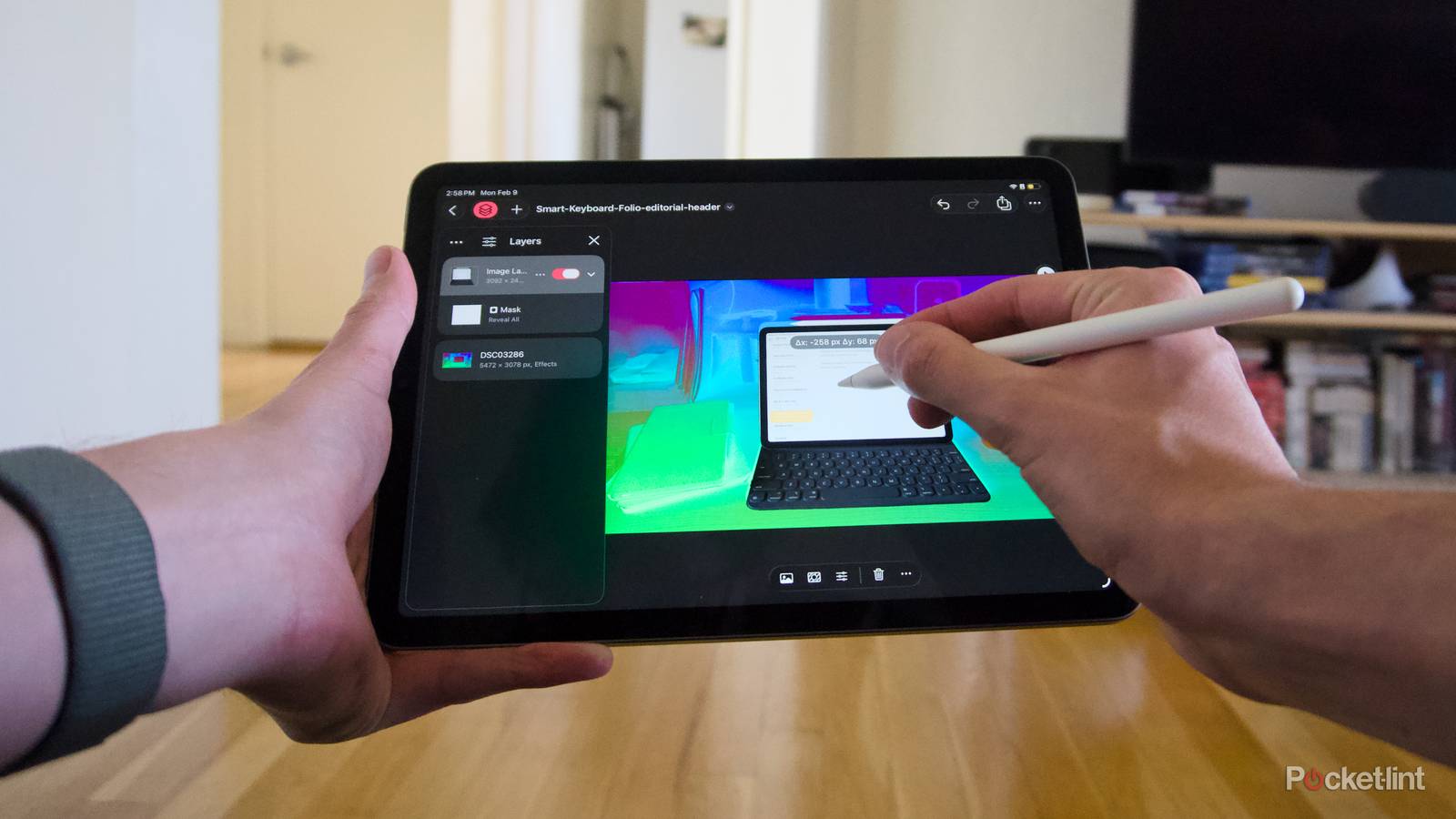
1 month agoMy favorite iPad Air accessories should be on every power user's list (including this Pencil alternative)
I've had an 11-inch iPad Air M2 for almost two years now, and as ZDNET's deals and shopping editor, I'm always scouting for the best accessories worth investing in (and catching on sale). I've also had the chance to review plenty of gear, ranging from mobile and MagSafe accessories, iPad cases and gadgets, smart home and kitchen appliances, and more.
Gadgets
fromMedium
3 months agoA Practical Prompting Guide for Figma Make
One skill separates good designers: the ability to clearly articulate their intention. No matter what tool you use, whether it's a traditional UI design tool like Figma or Sketch or AI tools like Figma Make, your ability to explain what you want to see accounts for 50% of your design success. The other 50% comes from your hard and soft skills. When it comes to AI-powered design, your ability to write decent prompts will have a direct impact on the quality of your design. In this guide, I want to share some specific tips and tricks that you can use for Figma Make to maximize the output.
UX design
[ Load more ]