UX design
fromMedium
4 hours agoDo less with AI
Trying to do too much hinders productivity and leads to unfinished projects and feelings of inadequacy.
Every iOS app I've shipped over the last nine years started the same way: a Rails developer with a great web app, users who want it in the App Store, and weeks spent on Xcode, signing certificates, and Swift boilerplate that has nothing to do with the actual product.
What started in 2019 as a couple of utilities for things like window and shortcut management has gradually expanded to nearly 30 useful tools, including a keyboard shortcut creator, an image-to-text extractor, and a better search bar than the one that's built into Windows proper. PowerToys has become wildly popular among Windows power users, with more than 70 million downloads to date, but it's also completely free, with no ads, Office upsells, or ham-fisted Copilot integrations.
CLAUDE.md = "project brain" Skills = "reusable capabilities" The way I think about CLAUDE.md and Skill is this distinction. Think of CLAUDE.md as "Everything Claude needs to know about this particular project." If, when thinking about a particular detail, you start your thought with "In this project..." or "For this project..." then this information belongs in CLAUDE.md.
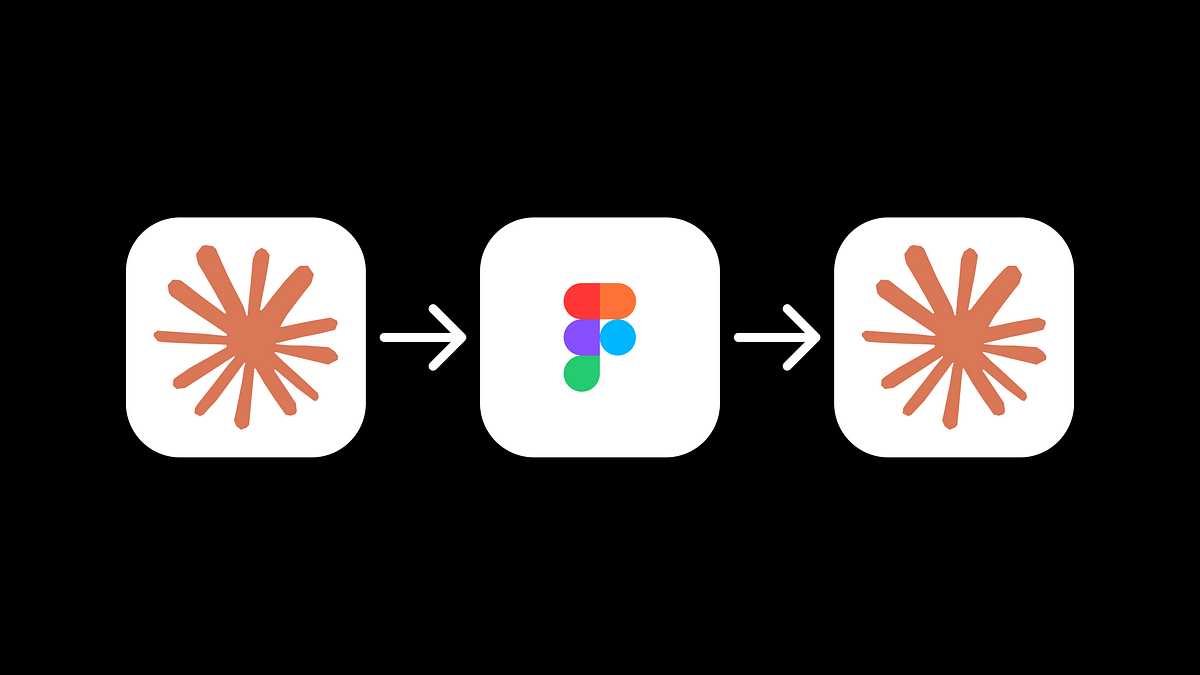
Claude is a very powerful AI tool that works especially well for coding. It's possible to code entire applications or services in Claude. That's why Claude quickly becomes a very important tool in a product designer's toolkit. It allows us to move quickly and build not only fast interactive prototypes, but also code UI components ready for implementation. To make this guide more specific, I will use Claude to code a sign-up web form.
The MSTest framework can be accessed via NuGet. With MSTest 3.4, support for WinUI framework applications is added to MSTest.Runner. With this improvement, a project sample is offered and work is under way to simplify testing of unpackaged WinUI applications. Microsoft also has improved the test runner's performance by using built-in System.Text.Json for .NET rather than Jsonite and by caching command line options.